
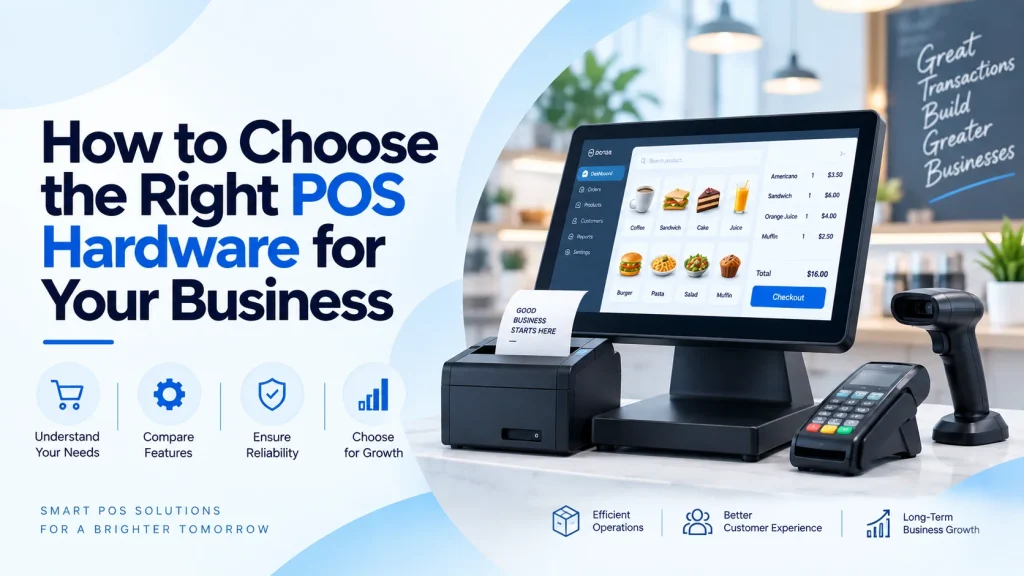
A point-of-sale system is more than a device used to accept payments. It is an important part of daily business operations, connecting sales transactions with inventory management, customer service, reporting, and financial records. For businesses operating multiple checkout points or handling a high volume of transactions, choosing the right hardware can have a direct impact on efficiency and customer experience.
However, selecting the right POS equipment is not simply a matter of choosing the newest or most powerful computer available. Different businesses have different requirements. A small retail store may prioritize compact equipment and affordability, while a supermarket, restaurant, or multi-location retailer may need high-performance systems that can operate continuously with several connected peripherals.
The right approach is to evaluate your business requirements first and then select hardware that can support those needs reliably.
Understand Your Business Requirements
The first step in selecting POS hardware is understanding how your business operates.
Consider the number of transactions you process each day, the number of checkout stations you require, the applications your employees use, and the peripherals that need to connect to the system. A business with a single checkout counter will have very different requirements from a retailer operating several branches.
You should also consider your expected growth. Hardware that works for a small operation today may become insufficient as transaction volumes increase. Choosing equipment with enough performance and connectivity to support future expansion can prevent unnecessary replacement costs.
Before purchasing anything, create a list of your operational requirements. This should include the number of users, locations, checkout stations, software applications, connected devices, and expected transaction volume.
Choose the Right Processing Performance
The processor is one of the most important components of a POS computer because it determines how efficiently the system handles software and everyday tasks.
For basic checkout operations, you may not require the same processing capabilities as a workstation used for demanding business applications. However, the system should still be capable of running the POS application smoothly while handling other necessary processes.
Businesses should look beyond current requirements when selecting processing power. POS systems may eventually be integrated with inventory platforms, accounting software, customer relationship management systems, analytics tools, or other applications.
A system with adequate processing capacity can help maintain responsive performance as the business grows.
Consider RAM and Storage
Memory and storage also play an important role in POS performance.
Random Access Memory, commonly known as RAM, allows a computer to handle multiple tasks efficiently. If your POS system runs several applications simultaneously, insufficient memory can result in slower performance and reduced productivity.
Storage is equally important. Modern solid-state drives can provide faster system startup and application loading compared with traditional hard disk drives. They also have no moving parts, which can make them suitable for business environments where reliability and quick access are important.
The right configuration depends on your software and operational requirements. Businesses should avoid selecting the lowest specification simply because it offers a lower initial price. A balanced configuration can provide better value over the useful life of the equipment.
Evaluate Display Requirements
The display is one of the most frequently interacted-with components of a POS system, making usability particularly important.
Employees may spend several hours each day working with the checkout interface, searching for products, processing orders, checking inventory, and completing transactions. A clear display can make these activities easier and reduce unnecessary interaction time.
Depending on your POS software, you may also benefit from touchscreen functionality. Touchscreens can provide an intuitive interface and reduce reliance on external input devices.
However, the display size should be appropriate for the available counter space. A large screen may provide excellent visibility but could be impractical in a small checkout area. Compact systems can be more suitable where space is limited.
Check Connectivity and Peripheral Support
A POS system rarely operates as a standalone computer. It may need to communicate with barcode scanners, receipt printers, cash drawers, payment terminals, customer displays, weighing scales, and other devices.
For this reason, connectivity should be considered before purchasing the hardware.
Check the number and types of available USB ports, display outputs, network connections, and other interfaces. You should also verify compatibility with the peripherals already used by your business.
For stores with multiple devices, cable management can become an important consideration. A well-organized setup can improve the appearance of the checkout area while making maintenance easier.
Wireless connectivity can also be useful for certain applications, but businesses should ensure that critical components have a reliable connection and appropriate security measures.
Think About Reliability and Durability
POS hardware is often expected to operate for long periods every day. A system failure at the checkout counter can interrupt transactions, create queues, and affect customer satisfaction.
Reliability should therefore be one of the primary considerations when comparing equipment.
Businesses should consider hardware from established manufacturers with a reputation for producing business-oriented computers. Equipment designed for professional environments can offer features and configurations better suited to continuous workplace use.
The physical environment should also be considered. A retail counter may expose equipment to dust, accidental impacts, temperature variations, and frequent user interaction. Restaurants may have additional environmental challenges because of food, moisture, and high activity levels.
Selecting equipment appropriate for the environment can help reduce operational issues over time.
Consider Space and Form Factor
The physical design of the computer matters, particularly for businesses with limited counter space.
Traditional desktop systems can offer flexibility and upgrade options, while compact computers can help businesses maximize available space. All-in-one systems combine the computer and display into a single unit, which can reduce cable clutter and create a cleaner checkout area.
For businesses with several checkout stations, compact equipment can also make the overall layout easier to manage.
When comparing form factors, consider not only the size of the equipment but also accessibility for maintenance, ventilation requirements, cable connections, and the position of other POS peripherals.
For businesses looking for reliable computers to support checkout environments, POS desktop computers can provide a practical foundation for business-oriented POS setups, depending on software and peripheral compatibility.
Prioritize Security
Security should never be overlooked when selecting POS equipment.
POS systems may interact with sensitive business information and payment-related systems, making security an important part of the hardware selection process. Businesses should consider devices that support modern security technologies and can work with the organization’s broader IT security policies.
Features such as secure boot capabilities, trusted platform modules, access controls, and firmware-level security can contribute to a stronger security environment.
Hardware security should also be combined with appropriate software protection, network security, regular updates, user permissions, and backup procedures.
A secure POS environment is not achieved through hardware alone. It requires coordinated protection across the entire technology infrastructure.
Consider Ease of Maintenance
The cost of POS hardware should not be measured only by its purchase price. Maintenance and downtime can have a significant impact on the overall cost of ownership.
Before making a purchase, consider how easy the equipment will be to maintain, replace, upgrade, and troubleshoot. Businesses operating multiple locations should also think about how technical support will be handled across branches.
Standardized hardware can simplify maintenance because IT teams can work with similar configurations across different locations. It can also make replacement and employee training easier.
Reliable technical support is particularly valuable for businesses that depend on their checkout systems throughout the day.
Plan for Future Growth
Your POS system should support your business not only today but also as it grows.
If you expect to open additional branches, increase product lines, add employees, or introduce new software, make sure the hardware has enough capacity to accommodate those changes.
Scalability may involve adding additional terminals, upgrading memory or storage, connecting new peripherals, or integrating the POS environment with other business systems.
Planning ahead can help prevent a situation where equipment needs to be replaced shortly after installation.
Balance Price With Long-Term Value
Price is naturally an important consideration, but the cheapest option is not always the most economical choice.
A low-cost system may appear attractive initially but could result in higher maintenance expenses, slower performance, limited upgrade options, or premature replacement. On the other hand, purchasing unnecessarily powerful equipment can also increase costs without providing meaningful benefits.
The goal should be to find the right balance between performance, reliability, functionality, security, and price.
Businesses should evaluate the total cost of ownership rather than focusing exclusively on the initial purchase price.
Final Thoughts
Choosing the right POS hardware requires more than selecting a computer with suitable specifications. Businesses need to consider their transaction volume, software requirements, peripherals, available space, security needs, reliability expectations, maintenance requirements, and future growth.
The best solution is one that fits the way your business actually operates. By evaluating these factors before purchasing equipment, businesses can create a POS environment that supports faster transactions, smoother operations, and a better customer experience.
For organizations in the UAE, working with an experienced technology supplier can also simplify the selection process. A technology partner can help evaluate requirements, recommend suitable hardware configurations, support deployment, and provide ongoing assistance as business needs evolve.
The right POS investment should therefore be viewed as part of the wider technology infrastructure of the business, not simply as another piece of equipment at the checkout counter.