
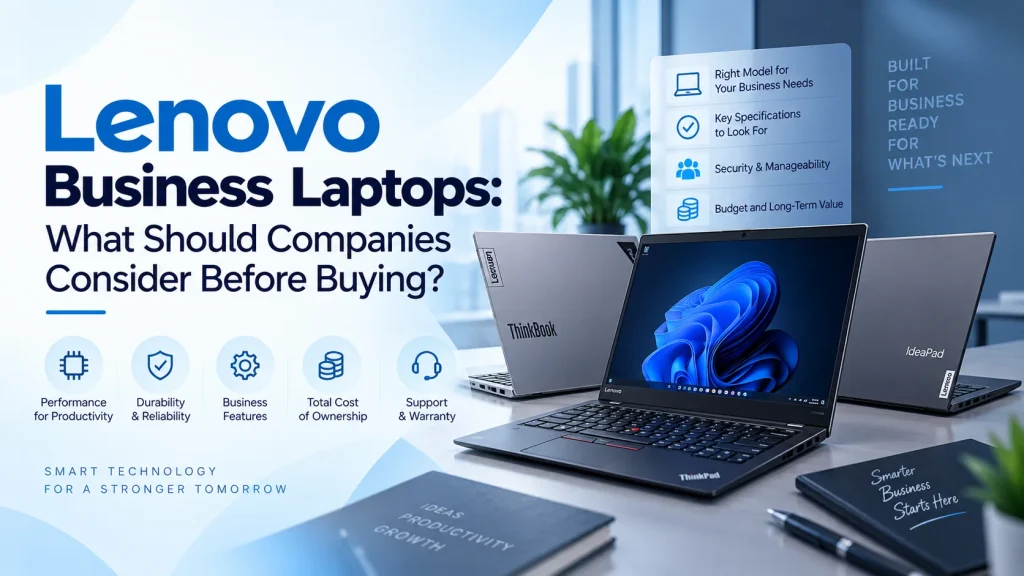
Choosing a laptop for business use is very different from choosing a personal computer. Employees depend on their devices for communication, documentation, presentations, video meetings, data management, cloud applications, and countless other daily activities. A laptop that performs well for occasional personal use may not necessarily provide the reliability, security, portability, and performance required in a professional environment.
For companies, the purchasing decision also involves more than selecting specifications from a product sheet. IT teams and business managers need to consider how employees work, what applications they use, how much time they spend travelling, the security requirements of company data, and how easily devices can be managed across an organization.
Business-oriented devices such as the ThinkPad X1 Carbon are designed around these professional requirements. IJONA Technologies lists the X1 Carbon as a premium business laptop with Intel Core Ultra processors, Windows 11 Pro, up to 64GB of memory, up to 2TB SSD storage, enterprise security features, and lightweight construction.
So, what should companies consider before making a purchase?
1. Start With the Employee’s Role
There is no single laptop configuration that is ideal for every employee.
An accountant may primarily work with spreadsheets, financial applications, email, and business software. A sales professional may spend much of the week travelling between meetings and require excellent battery life and portability. A software developer could need significantly more memory and processing capacity, while an executive may prioritize a lightweight design, premium display, connectivity, and video conferencing.
The first step should therefore be identifying what each employee actually does.
Instead of purchasing identical hardware for everyone, companies can create different device categories based on job responsibilities. This approach can prevent employees from receiving systems that are either underpowered for their workloads or unnecessarily expensive for their needs.
2. Evaluate Processor Performance
The processor has a major influence on how quickly a laptop handles everyday tasks.
For general office work, modern processors can comfortably handle applications such as web browsers, productivity suites, email, collaboration platforms, and cloud-based systems. However, employees who regularly work with large datasets, development environments, content creation software, or other demanding applications may require more processing capacity.
Intel Core Ultra processors, for example, are available in current ThinkPad X1 Carbon configurations and can provide a combination of CPU performance and dedicated AI processing capabilities. Lenovo also offers configurations with Intel vPro technology for organizations that require additional manageability and enterprise-oriented features.
Companies should select a processor based on the actual workload rather than simply choosing the highest available specification.
3. Consider Memory and Storage
RAM affects how efficiently a laptop can handle multiple applications at the same time.
An employee who routinely keeps dozens of browser tabs open while running spreadsheets, communication tools, presentations, and other applications will benefit from sufficient memory. Employees working with more demanding professional software may require considerably more.
Storage is equally important. Solid-state drives provide fast access to applications and files while contributing to responsive system performance.
The ThinkPad X1 Carbon is available with configurations offering up to 64GB of LPDDR5X memory and up to 2TB of SSD storage, although exact specifications vary by generation and configuration.
Businesses should therefore select a configuration that provides enough capacity for the expected lifespan of the device rather than focusing only on today’s requirements.
4. Prioritize Security
Business laptops regularly contain sensitive information, including financial documents, customer information, internal communications, credentials, and intellectual property.
Security should therefore be considered a fundamental requirement rather than an optional feature.
Companies should look for hardware that supports features such as Trusted Platform Module technology, biometric authentication, secure login, firmware protection, and other enterprise security capabilities.
Current ThinkPad X1 Carbon configurations include features such as TPM, fingerprint authentication, Windows Hello, and additional ThinkShield security technologies. Lenovo also provides security and management features designed for business environments.
However, hardware security should form only one part of a broader company security strategy. Strong passwords, multi-factor authentication, endpoint protection, encryption, software updates, and employee security awareness remain equally important.
5. Think About Portability
For employees who frequently travel, laptop weight can have a surprisingly large impact on everyday productivity.
A device that is carried between offices, client meetings, airports, hotels, and home offices needs to be comfortable to transport without sacrificing performance.
The ThinkPad X1 Carbon is designed specifically around portability, with IJONA Technologies listing the model at approximately 1.1 kg depending on configuration. Lenovo’s newer X1 Carbon models can be even lighter, with some configurations starting below one kilogram.
Companies should consider how often employees travel and whether the additional portability of a premium lightweight device justifies the investment.
6. Look at Battery Life
Battery life is another important factor for mobile professionals.
Employees working from airports, customer offices, meeting rooms, or remote locations cannot always depend on immediate access to a power outlet. A laptop with efficient power management and a capable battery can allow employees to remain productive for longer periods away from their desks.
Current X1 Carbon configurations include a 57Wh battery and support Rapid Charge, while battery performance varies according to the configuration and workload.
Companies should look beyond advertised battery figures and consider the type of work employees perform. Video conferencing, intensive applications, high display brightness, and wireless connectivity can all influence actual battery performance.
7. Examine Connectivity
Modern employees connect laptops to monitors, projectors, docking stations, storage devices, smartphones, networks, and other peripherals.
A laptop with versatile connectivity can make these workflows considerably easier.
The X1 Carbon includes Thunderbolt 4, USB-A, HDMI, audio connectivity, and modern wireless options depending on configuration. Some models also support cellular connectivity options for professionals who need connectivity while travelling.
Businesses should identify the accessories and peripherals employees already use before selecting their standard laptop configuration.
8. Consider Video Conferencing
Hybrid work has made cameras, microphones, and speakers important business hardware features.
Employees may spend hours each week participating in virtual meetings with customers, colleagues, suppliers, and business partners. Poor camera quality or unclear audio can affect communication and create an unnecessarily unprofessional experience.
Modern ThinkPad X1 Carbon models offer high-quality camera options, microphone arrays, and audio technologies designed for professional conferencing. Some configurations include infrared cameras and privacy shutters.
For companies with hybrid teams, these features can be particularly valuable.
9. Don’t Ignore Build Quality
A business laptop is an investment that may be used every working day for several years.
Durability therefore matters.
Employees carry laptops between different locations, place them into bags, connect and disconnect peripherals, and use them for long working sessions. A robust design can help a device withstand the demands of everyday business use.
Lenovo states that the ThinkPad X1 Carbon is tested against MIL-STD-810H standards, with durability testing designed to evaluate performance under challenging environmental conditions.
This does not mean that business laptops are indestructible, but it highlights the importance of selecting equipment designed for professional use.
10. Think About IT Management
When a company has ten laptops, device management is relatively straightforward. When it has hundreds, centralized management becomes much more important.
IT teams need to monitor devices, deploy updates, maintain security settings, troubleshoot problems, and manage hardware throughout its lifecycle.
Lenovo Commercial Vantage, for example, provides tools for device status monitoring, hardware settings, updates, diagnostics, and support information.
Companies should therefore consider how easily a laptop integrates into their existing IT management environment before standardizing on a particular model.
11. Calculate the Total Cost of Ownership
The cheapest laptop is not necessarily the most economical option for a business.
Purchase price is only one part of the total cost. Companies should also consider productivity, maintenance, support, warranty coverage, replacement frequency, downtime, security, accessories, and device management.
A slightly higher initial investment can sometimes make financial sense if the equipment lasts longer, reduces support requirements, or provides employees with a more productive working environment.
The objective should be to achieve the best overall value rather than simply the lowest purchase price.
12. Choose a Reliable Technology Partner
Finally, businesses should consider where they are purchasing their equipment and what support is available after the sale.
A reliable technology supplier can help organizations identify appropriate configurations, source genuine products, coordinate deployment, provide technical assistance, and support hardware requirements as the company grows.
For businesses purchasing Lenovo business laptops, IJONA Technologies provides genuine Lenovo ThinkPad X1 Carbon products in the UAE along with consultation, deployment services, warranty support, and technical assistance.
Final Thoughts
Selecting laptops for a business requires a broader perspective than simply comparing processors, RAM, and storage.
Companies should evaluate employee workloads, security requirements, portability, battery life, connectivity, collaboration capabilities, durability, IT management, and total cost of ownership. The right combination of these factors can help organizations provide employees with dependable tools while creating a more manageable and secure IT environment.
For growing businesses, standardizing devices around clearly defined employee requirements can also simplify procurement and IT support. Instead of choosing hardware based solely on specifications or price, companies can build a technology strategy around how their teams actually work.
A business laptop should ultimately be viewed as a productivity and infrastructure investment. Choosing the right device can help employees work more efficiently, collaborate more effectively, and remain productive wherever their work takes them.