
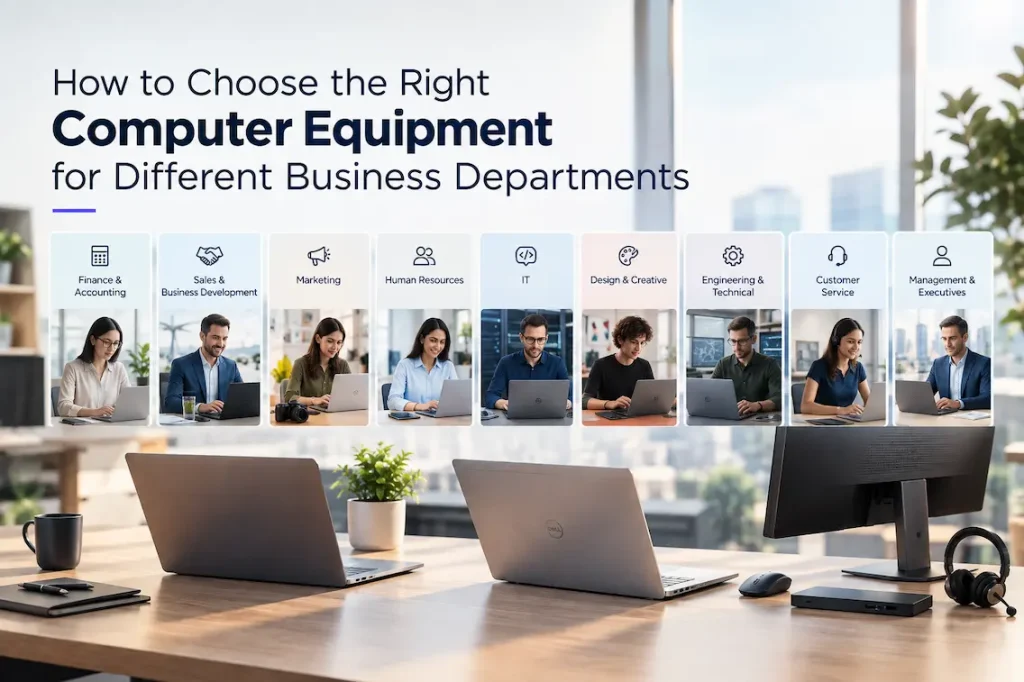
Choosing computers for a business is rarely as simple as selecting one model for every employee. Different departments perform different tasks, use different applications, and have different expectations from their technology. A finance team may spend most of its time working with large spreadsheets, while a sales team may prioritize portability and video conferencing. Designers and engineers may require significantly more processing power than employees performing routine administrative work.
For this reason, businesses should approach computer procurement based on employee roles rather than treating every workstation as identical. Matching equipment to actual workloads can improve productivity, control costs, simplify IT management, and provide employees with the tools they need to perform effectively.
A well-planned hardware strategy should consider processing performance, memory, storage, displays, portability, connectivity, security, reliability, and future requirements. The goal is not necessarily to purchase the most powerful computer available, but to provide the right level of performance for each department.
Why Department-Specific Hardware Matters
Every business has different technology requirements, but departments within the same organization can also have very different workloads.
Providing every employee with a high-end workstation may seem like a straightforward solution, but it can lead to unnecessary spending. At the same time, giving demanding users basic computers can result in slow applications, reduced productivity, and frequent hardware upgrades.
A department-based approach creates a better balance.
IT teams can establish several standard hardware categories, such as basic office systems, mobile business laptops, performance-oriented systems, and high-performance workstations. Employees can then be assigned equipment based on their responsibilities.
This approach also makes procurement and support easier because the organization is not managing dozens of completely different configurations.
Finance and Accounting
Finance and accounting teams frequently work with spreadsheets, accounting platforms, enterprise resource planning systems, reporting tools, databases, and financial documents.
For these employees, sufficient memory and processing performance are particularly important.
Large spreadsheets can contain thousands of rows, complex formulas, charts, pivot tables, and multiple linked files. Employees may also run several applications simultaneously while communicating through email and collaboration platforms.
A computer with sufficient RAM can help employees switch between applications more smoothly. Fast solid-state storage can also improve application loading and file access.
Dual-monitor support can be another valuable feature for accounting teams. Employees can keep spreadsheets, reports, emails, or financial systems open across multiple displays, reducing the need to constantly switch between windows.
Sales and Business Development
Sales professionals often have different requirements because they may spend considerable time away from the office.
Portability, battery life, connectivity, and video conferencing capabilities can therefore be more important than maximum processing performance.
Sales employees may use customer relationship management systems, presentations, email, messaging platforms, video conferencing applications, and web-based business tools.
A lightweight laptop with a good display and long battery life can make it easier for employees to work during travel and client meetings.
Security is also important because sales professionals may carry customer information and company data outside the office.
Marketing Teams
Marketing departments often work across a combination of productivity, analytics, content, communication, and creative applications.
Employees may manage social media platforms, advertising dashboards, content management systems, analytics tools, presentation software, and image-editing applications.
The appropriate hardware depends on the role.
A marketing manager may primarily need a capable business laptop, while a content creator or multimedia specialist may require more memory, processing power, and graphics performance.
Storage capacity can also become important for employees working with large media files.
Businesses should therefore avoid assuming that everyone within the marketing department needs exactly the same configuration.
Human Resources
Human resources teams generally rely on productivity applications, HR management platforms, recruitment systems, video conferencing, email, and document management tools.
Their requirements are typically focused on dependable everyday performance rather than specialized processing power.
Security is particularly important because HR departments handle sensitive employee information.
Businesses should provide appropriate access controls, device security, authentication, and data protection alongside reliable hardware.
A comfortable keyboard, clear display, good webcam, and dependable connectivity can also support HR professionals who spend significant portions of their day communicating with employees and candidates.
IT Departments
IT professionals often require more capable systems because they may work with virtualization tools, development environments, network management platforms, databases, security applications, and multiple administrative consoles.
IT staff may also need to run several virtual machines or test environments simultaneously.
Additional RAM, faster processors, and larger storage capacities can significantly improve productivity in these scenarios.
IT teams should also consider connectivity. Multiple high-speed ports, docking support, external displays, and wired network connections may be useful depending on the employee’s responsibilities.
Design and Creative Teams
Graphic designers, video editors, animators, and other creative professionals can have substantially higher hardware requirements.
Creative applications may involve large files and demanding workloads that place considerable pressure on processors, memory, graphics capabilities, and storage.
For these users, businesses should evaluate the requirements of the specific software being used.
A high-resolution display with good color accuracy may be important for visual professionals. Larger storage capacity can also be useful when working with high-resolution images, video footage, project files, and other large assets.
In some cases, desktop workstations may be more appropriate than mobile computers because they can provide greater performance and upgrade flexibility.
Engineering and Technical Teams
Engineers and technical professionals may use computer-aided design software, simulation tools, development environments, data analysis applications, and specialized industry platforms.
These workloads can require considerably more processing and graphics performance than standard office applications.
The business should identify the recommended hardware specifications for the specific engineering software being used before purchasing equipment.
Graphics processing capability can be particularly important for 3D modeling and visualization applications. Memory and storage requirements should also be evaluated based on project size.
For technical users, buying equipment based solely on general office specifications can result in poor application performance.
Customer Service Departments
Customer service employees typically use CRM platforms, ticketing systems, communication tools, knowledge bases, and web applications.
Because these users may spend their entire working day interacting with customers, system responsiveness and reliability are important.
A fast, stable computer can reduce delays when switching between customer records, applications, and communication tools.
Headset compatibility, webcam quality, multiple displays, and reliable network connectivity may also be important depending on how the customer service operation is structured.
For large contact centers, businesses should also consider standardized configurations because maintaining consistency across many workstations can simplify IT support.
Management and Executives
Executives and senior managers often require flexibility rather than specialized processing power.
They may work across offices, homes, airports, hotels, and client locations. Portability, battery life, security, display quality, and connectivity can therefore be important considerations.
A premium lightweight business laptop can provide the mobility required for frequent travel while still supporting presentations, video meetings, email, documents, and business applications.
Executives may also require docking support so they can quickly connect their laptop to larger displays, keyboards, network connections, and other peripherals when returning to the office.
Consider Standardization
Although departments have different requirements, businesses should avoid creating a completely unique hardware configuration for every employee.
Too much variation can make procurement, maintenance, troubleshooting, and replacement more complicated.
Instead, businesses can establish several approved device categories.
For example:
- Standard office computer
- Mobile business laptop
- Performance laptop
- Creative workstation
- Technical workstation
Employees can then be assigned the appropriate category based on their job requirements.
This approach provides flexibility while maintaining a manageable IT environment.
Don’t Forget Security
Regardless of department, security should be part of every hardware decision.
Business computers can contain confidential information and provide access to company systems. Devices should therefore support appropriate security technologies and be integrated into the organization’s wider security policies.
Businesses should consider features such as biometric authentication, secure boot, hardware-based security, encryption support, device management, and multi-factor authentication.
Security should also continue throughout the device lifecycle. Operating systems, drivers, firmware, and applications should be regularly updated, while unused devices should be securely retired.
Plan for Future Requirements
Hardware should not only meet today’s requirements.
Employees may begin using more demanding software, departments may adopt new applications, and the business may expand.
Companies should therefore consider whether selected equipment has enough performance and capacity to remain useful throughout its expected lifecycle.
This does not mean buying the most expensive configuration for every employee. Instead, businesses should identify likely changes and provide reasonable headroom.
A slightly more capable system can sometimes provide better long-term value if it delays the need for replacement.
Work With a Technology Supplier
Selecting hardware across multiple departments can become complicated, particularly for growing businesses.
A technology supplier can help organizations assess requirements, compare suitable configurations, standardize devices, and manage procurement.
For companies evaluating business computer equipment, Lenovo ThinkBook systems can be considered for professional users who need a combination of business functionality, performance, portability, and modern connectivity.
The right configuration will ultimately depend on the employee’s role and the applications they need to run.
Final Thoughts
Choosing computers for different business departments requires a balance between performance, cost, usability, security, and long-term value.
Finance teams may prioritize memory and multitasking, sales teams may need portability, creative professionals may require stronger graphics performance, while IT and engineering teams may need powerful processors and expanded memory.
Instead of purchasing identical systems for everyone, businesses should identify common user profiles and create standardized hardware categories around them.
This approach can provide employees with technology suited to their responsibilities while making procurement and IT management easier.
The best business computer strategy is therefore not about buying the most powerful equipment. It is about putting the right equipment in the hands of the right employees.